
Guest Experience
QR ordering that feels effortless
Guests scan, browse, reorder, and pay without an app. Every round lands on the right table and stays connected to the final bill.
No app installTable rounds linkedUPI-ready checkout
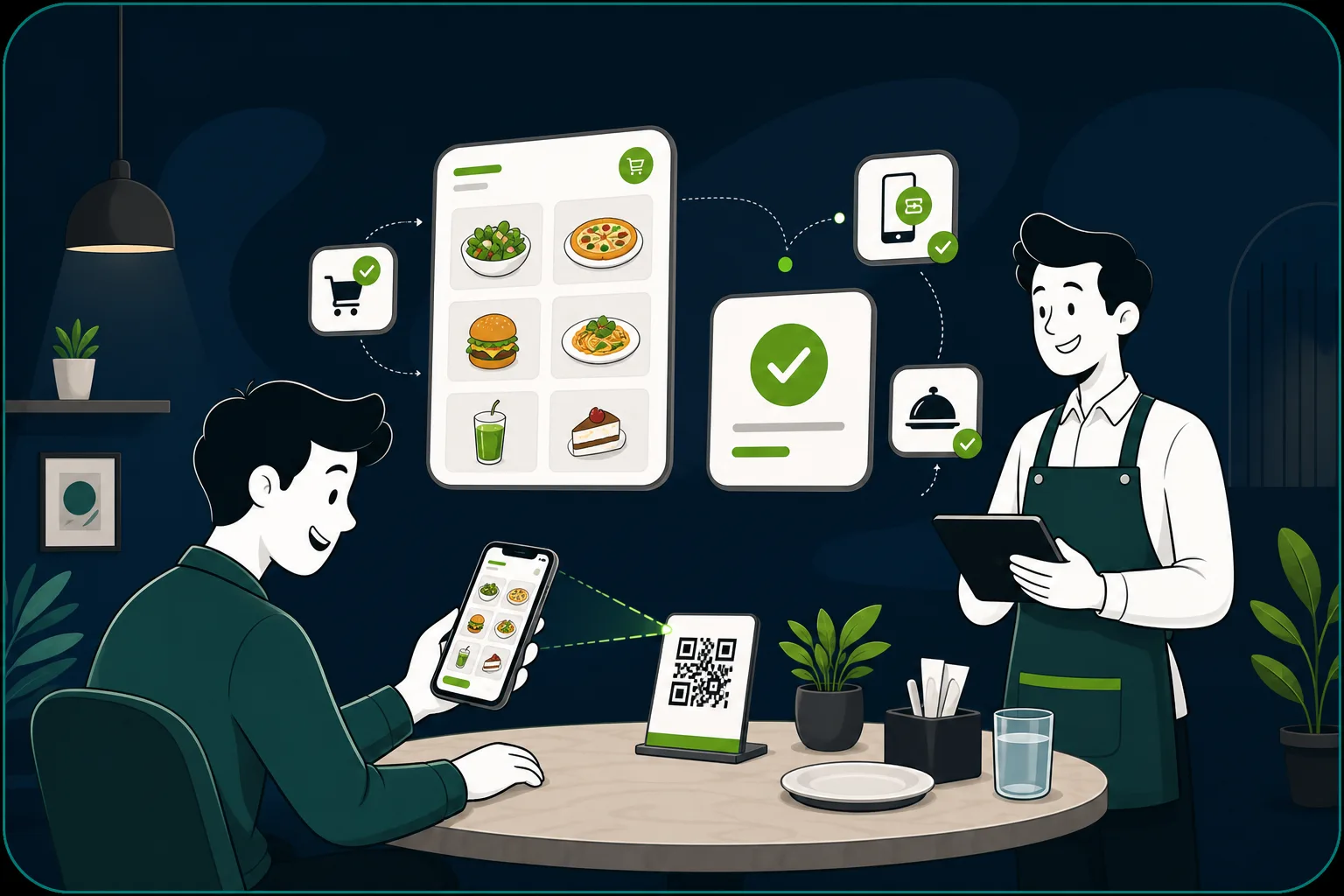
ScanFirst connects guest QR ordering, live KOT, merged table billing, payments, subscriptions, and multi-shop analytics so restaurants move faster without stitching tools together.
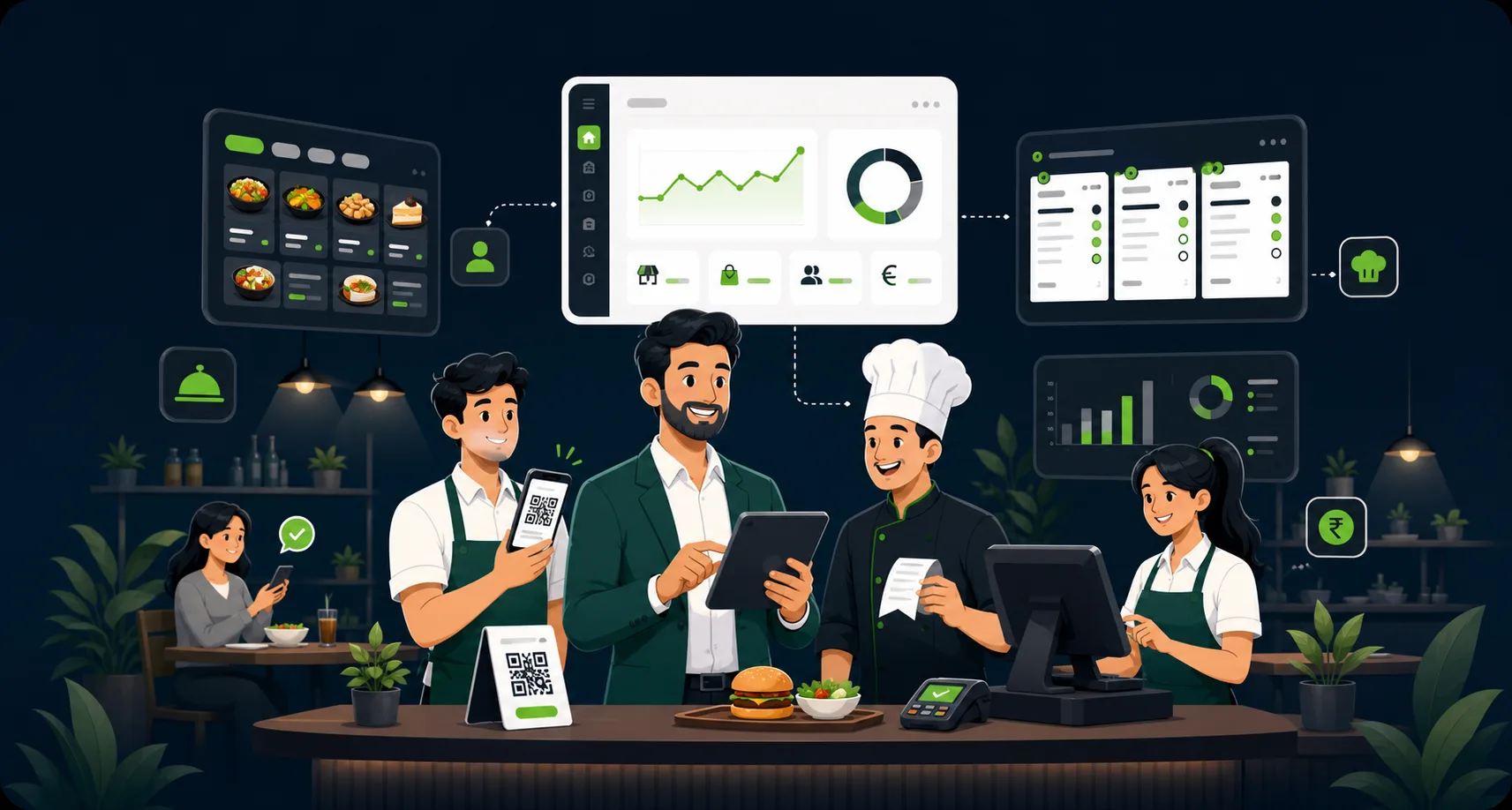
From single cafes to multi-outlet groups, ScanFirst keeps guest ordering, kitchen work, counter billing, and owner visibility connected.

ScanFirst brings the guest phone, kitchen line, billing counter, subscription engine, and Super Admin console into one illustrated operating flow.
Guests scan, browse, reorder, and pay without an app. Every round lands on the right table and stays connected to the final bill.
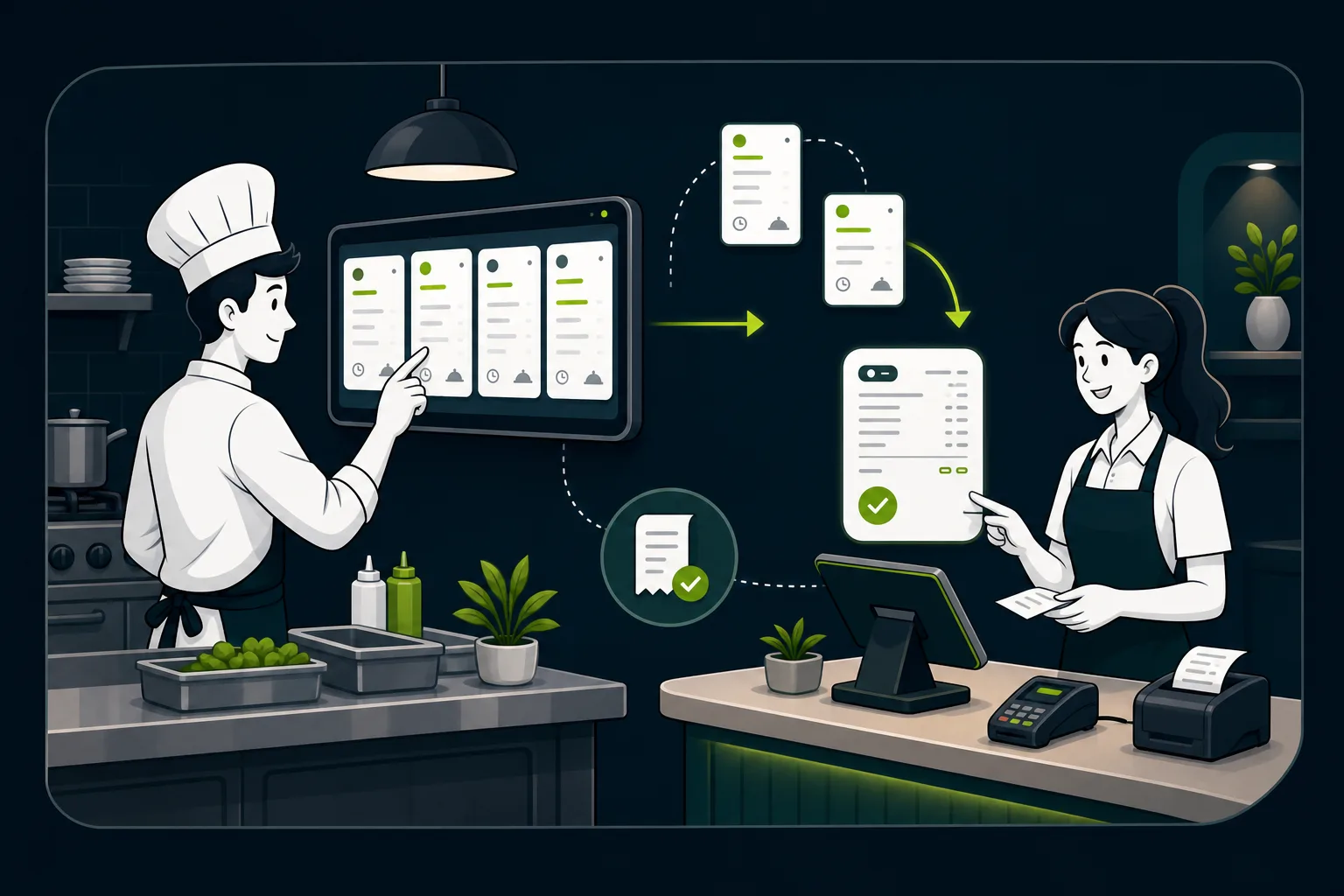
Orders move from table to station to settlement with live status, merged bills, payment capture, and fewer handoffs.
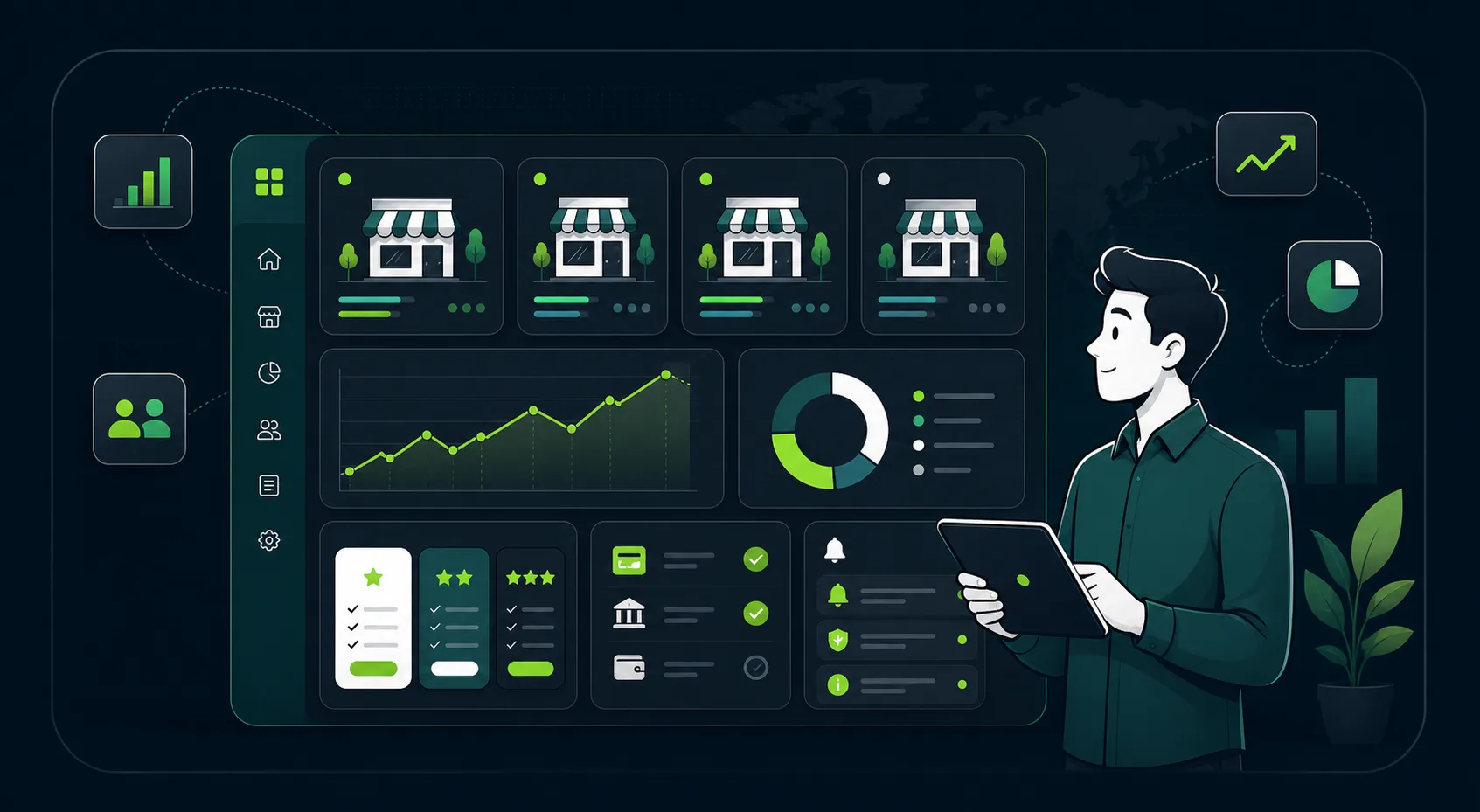
Track revenue, open orders, SLA risk, subscriptions, payment health, and shop performance from one Super Admin-ready console.
Every action updates the next surface automatically, so the restaurant never has to reconcile phone orders, counter bills, kitchen tickets, and platform reporting by hand.
QR and counter orders start in the same live system, already tied to the right shop and table.
Items flow to kitchen stations, receipts, and dashboards without duplicate entry.
KOT status, table rounds, payments, and settlement stay aligned through service.
Each shop rolls into platform KPIs, subscriptions, payment status, support, and audit history.
The guest phone, kitchen line, billing counter, and owner console all read and write the same order. Nothing is re-keyed, nothing drifts, and nobody has to reconcile four systems at closing.
Prepare your first service
Save your registration, confirm the operating settings, publish your menu, test your QR and prepare staff access. Your branch checklist shows what is complete and what needs attention.
Practice the workflow in the demo
A useful first plan. Room to grow.
Compare capacity, annual savings and the total before tax and payment. The full pricing page has the detail; your first step can stay simple.
ScanFirst keeps onboarding fast: create the owner account, add shop basics, activate the subscription, then follow your launch checklist. Confirm FSSAI, tax status, hours, payments, and receipt settings before accepting orders. Add your menu, test your QR, and prepare your team in the same workspace.
Or call +91 80720 70457